Apple M6 MacBook Pro: A Real Upgrade or Just More Speed?
Apple’s M6 MacBook Pro adds more cores, faster AI performance and Wi-Fi 7. Here’s who should upgrade and who can skip it.
The short version
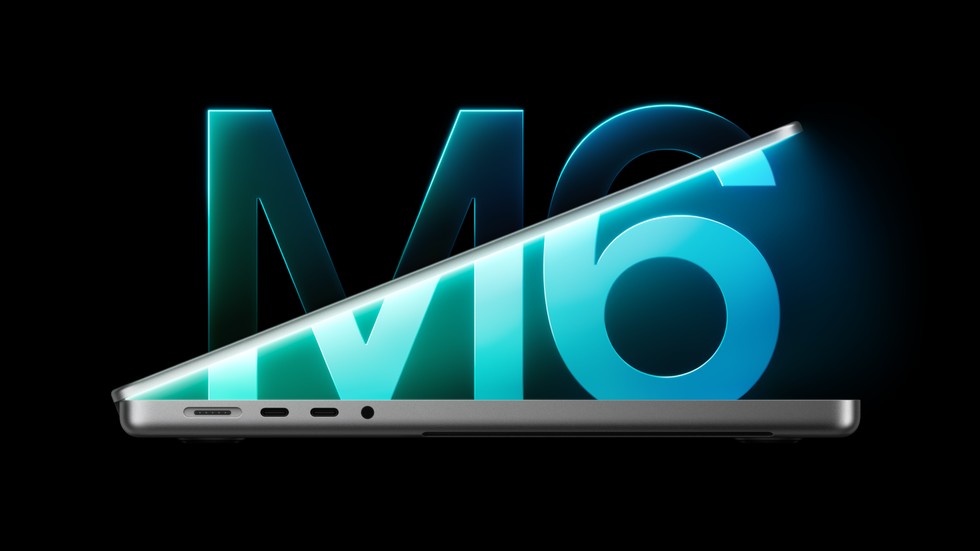
Apple's M6 MacBook Pro starts at $1,999 and goes on sale November 6. It has two more CPU and GPU cores than the M5, faster AI performance, and Wi-Fi 7. The screen, ports, design and battery rating stay the same. If you have an Intel Mac or an M1, it is a big step up. If you have an M3, M4 or M5, you can probably skip it.
Every new MacBook comes with a chart full of big numbers, and every year it gets harder to tell whether you would actually notice them. Your current laptop probably runs Chrome, Slack and a pile of documents just fine. So when Apple announced the Apple M6 MacBook Pro on October 27, the real question was not how fast it is, but whether that speed changes anything you do day to day.
What's New: More Cores, More AI Power
The Apple M6 MacBook Pro specs start with a new chip that has a 12-core CPU and a 12-core GPU, which is two more of each than the M5. Apple says graphics are up to 30 percent faster and AI tasks are up to 25 percent faster. These numbers come from Apple's own tests against an M5 laptop with 32GB of memory and a 4TB drive, so they show the best case rather than the usual one.
Apple's tests on real apps are easier to picture. Blender renders and Xcode code builds are up to 1.3 times faster, and photo work in Affinity is up to 1.2 times faster. If you often wait on a long render or a big build, that saves real minutes, but if you mostly browse and write, it saves seconds you will never notice. Some early Geekbench scores that leaked online suggest about 10 percent better single-core speed and 20 percent better multi-core speed, which fits the extra cores, although those are unconfirmed until proper reviews arrive.
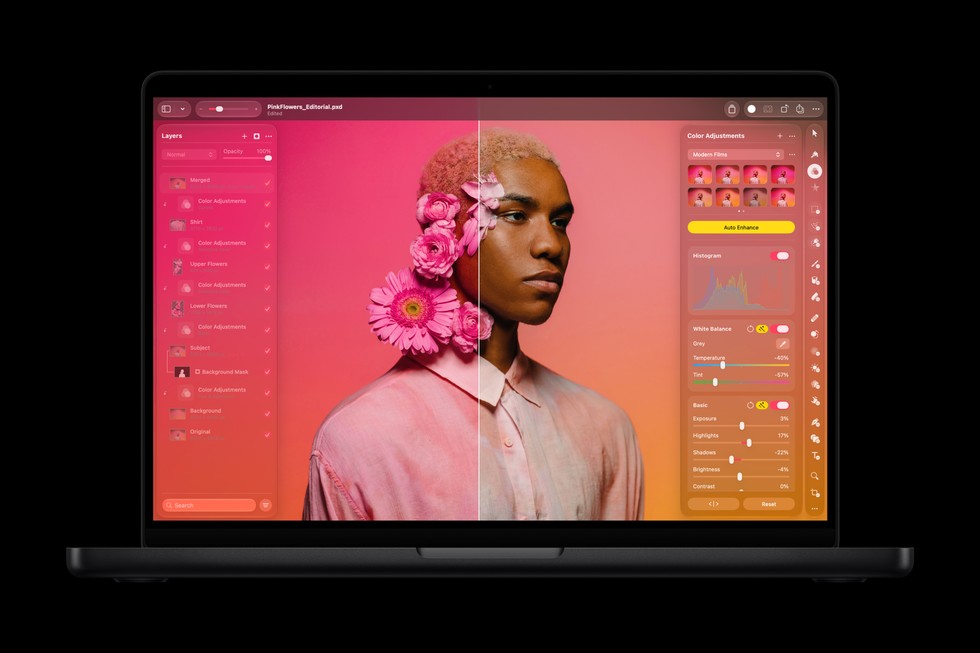
Pixelmator Pro running on the MacBook Pro with M6. Image: Apple.
The smaller upgrades are useful too. Memory speed rises to 170GB/s on the 24GB and 32GB models, and a new wireless chip brings Wi-Fi 7 and Bluetooth 6, up from Wi-Fi 6E and Bluetooth 5.3. Keep in mind that Wi-Fi 7 only helps when your router supports it as well, so for many people that benefit comes later.
What Stays the Same
Almost everything else is untouched. The 14.2 inch screen, camera and speakers are the same, and so are the ports, which include three Thunderbolt 4 ports, HDMI, an SD card slot, MagSafe and a headphone jack. The battery rating hasn't changed either, because Apple's promise of up to 24 hours of video streaming was already on the M5 model, so it is only news if you are coming from an older laptop. That may sound dull, but it is not really a flaw, since the design already has what photographers, presenters and travelers need.
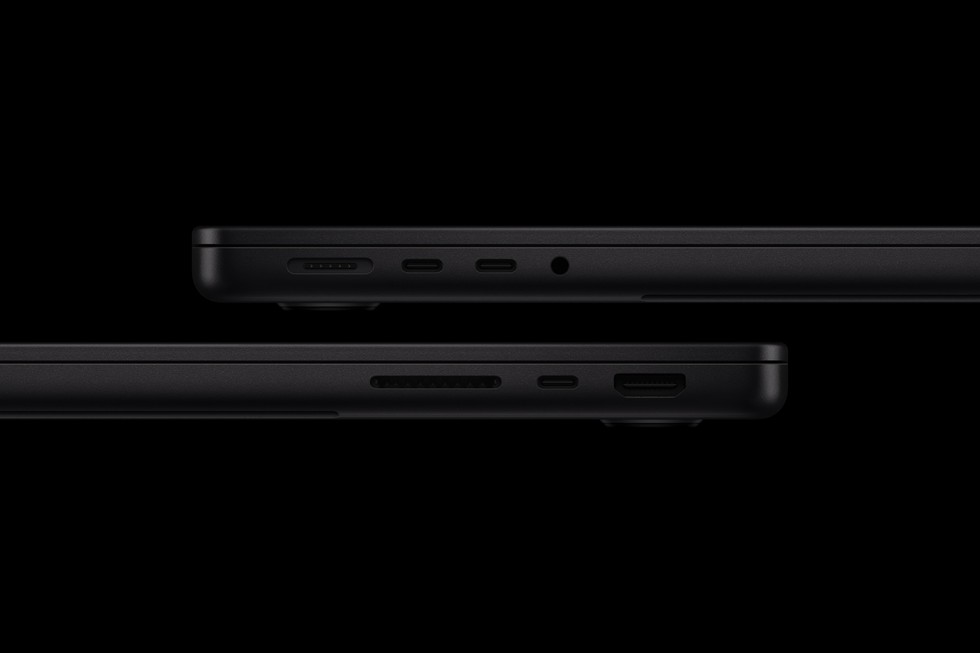
The M6 model keeps the familiar MacBook Pro port selection. Image: Apple.
The price is where things get less simple. The M5 launched at $1,599 with 512GB of storage, but in March Apple removed that version and made $1,999 with 1TB the starting point. The M6 begins at that same price, so it costs the same as the M5 does today and $400 more than the M5 did at launch.
M6 vs M5 MacBook Pro: Will You Notice?
Feature | M5 | M6 |
|---|---|---|
CPU and GPU cores | 10 and 10 | 12 and 12 |
Neural Engine | 16-core | Dual 16-core |
Wireless | Wi-Fi 6E | Wi-Fi 7 |
Battery rating | 24 hours | 24 hours |
Starting price | $1,999 | $1,999 |
For students and office workers, probably not, because the M5 was already fast enough for their work. Photographers and video editors will see more benefit when exporting files or using AI tools, but a gain of 20 to 30 percent makes the work shorter rather than different. Programmers and people who run AI models on their own laptop gain the most, since faster builds and faster prompt processing add up over a full day.
Should You Upgrade?
That depends on what you own now. Intel and M1 owners are the people this laptop is really made for, since Apple says graphics are up to 11 times faster than the M1 and AI work up to 13 times faster. Even if you take that with a pinch of salt, the jump in speed, memory, battery life and wireless is big enough to feel every day.
If you have an M3 or M4, your laptop is still quick, so upgrade only if heavy renders, local AI models or a worn battery are slowing you down. M5 owners should stay where they are, because a few extra cores and Wi-Fi 7 are not worth $1,999. And if this is your first MacBook, it is a safe buy at $1,999, or $1,899 with education pricing, with plenty of room to grow.
The Verdict, With One Catch
The M6 is a solid update, and its best case is value for people on older laptops rather than speed for people on newer ones. The catch is that Apple is widely expected to show touchscreen OLED MacBook Pro models on October 28, reportedly with M5 Pro and M5 Max chips, while the current models stay on sale for now. If you want the newest design, see what Apple shows before you pre-order, but if you just want a fast, familiar laptop at a known price, you can order the M6 and not feel like you missed out. It is the kind of MacBook you buy once and forget about, so buy it only if your current one is already getting in your way.